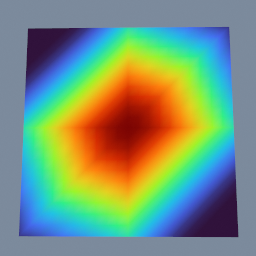
A weight that spreads from a selected point along the surface rather than through space. On a thin slab seeded at the centre of its top face, the top face carries a round falloff while the bottom face, only a tenth of a unit away in a straight line, stays unweighted: the walk has to go round the rim to reach it.
Examples
Every one of these opens in the browser editor, running, with its node graph laid out for you to take apart. Nothing to install and no account needed.
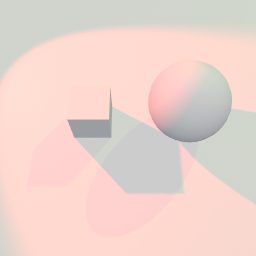
A directional light and a spot light casting onto the same ground, side by side. It is the light's side of shadows: whether it casts at all, and the resolution, bias and softness underneath that.
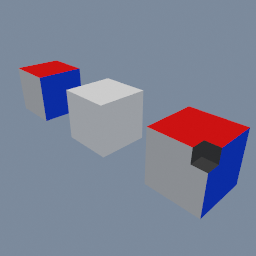
A manifold boolean keeps no primitive attribute, so a colour set per face is lost when a corner is cut away. A primitive ID does survive the boolean, and geo/AttributeCopy matching by that ID brings the colour back onto every face cut from a coloured one. The walls the cutter made have no source face and keep their own colour.
geo/M3DBoolean geo/AttributeCopy geo/AttributeId
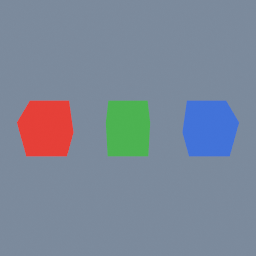
One box, copied three times, each copy a different colour. It shows how a material node picks which objects it applies to, using the object index as its group, and how it points at a material by relative path.
mat/MeshBasic geo/Material

A box whose width, height, colour and display mode are five controls on a panel drawn over the viewer, plus a button that writes the box to a 3MF file. Built from spare params, with no UI code.
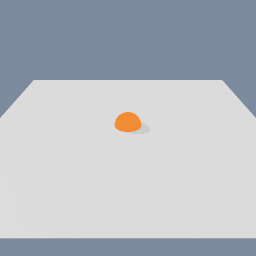
Object following the cursor
Animated
An object that follows the mouse across a plane. The cursor ray is built in the graph and intersected with that plane, then an actor moves the object there on every tick.
geo/Actor code/CursorRay code/Plane code/RayPlaneIntersect
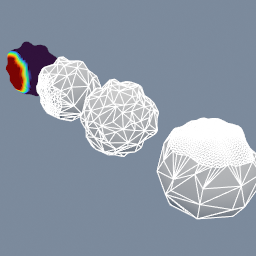
A lumpy ball reduced to 5% of its triangles three ways: evenly, keeping more points where an importance attribute says so, and keeping a locked group of points untouched.
geo/Decimate geo/AttributeTransfer geo/AttributeDisplay geo/GroupCreate
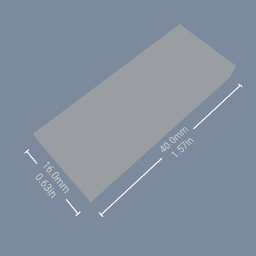
A plate with its width and depth written out beside it in millimetres and inches, the readout a viewer wants before downloading a file. The exporter hangs off the part and not off the readout, so the text stays on the screen and out of the file.
geo/PolyNode
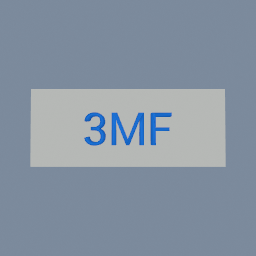
A two-colour nameplate written to 3MF three ways: as two objects each with its own colour, as one merged mesh coloured triangle by triangle, and with no colour attribute at all so the assigned material supplies it. It also shows what a model has to pass before a slicer will accept it: the right way up, the right size, and closed.
geo/ThreeMFExporter geo/Fuse
A round tag with engraved letters written to DXF R12, the file every cutting tool reads: the circle to cut and the text to engrave land on separate layers, a visible transform decides the millimetre size, and two exporters show the plane param on each of its settings.

A two-colour nameplate written to a single .glb, the interchange file Blender, three.js and the game engines read: every object keeps its own transform and its material's colour, and no preparation transform is needed because glTF shares Polygon's Y-up, meter conventions.

A two-part nameplate written to Wavefront OBJ, the format everything opens: each object becomes its own named o block, normals travel, and no preparation transform is needed. Its two exporters differ only in how the file is named: after the node, or after the node's full path, which stays unique when exporters in different subnets share a name.
A nameplate carrying colours, normals and a custom float, written to PLY three ways: everything merged into one mesh, only the first object, and as a scattered point cloud with no faces at all. PLY is the one format here that keeps arbitrary point attributes, and the one that can hold points with no geometry around them.
A two-part nameplate written to STL three ways: everything merged into the one mesh the format holds, only the first object, and the same model with no printer preparation so you can see what a slicer makes of a Y-up model with no units.
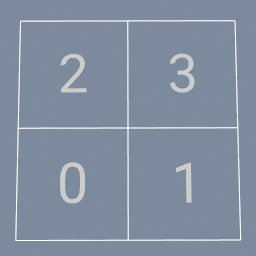
A loop that runs once per quad of a plane and writes each quad's number on it. geo/forEachBegin hands the loop one quad at a time, and the nodes in the loop read it by expression: the text takes the quad's ID, the transform takes its centre. geo/forEachEnd gathers what every pass produced.
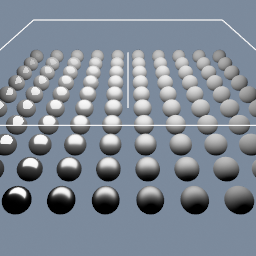
A grid of spheres shaded by a material built node by node. Roughness and metallic are read from point attributes, so the surface changes across the field instead of being one uniform value.
Physics Simulation (RBDs, Basic)
Animated
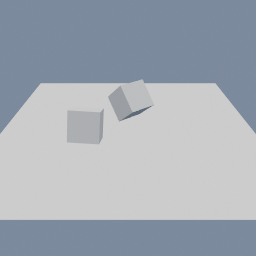
Two boxes dropped onto a ground plane and simulated as rigid bodies. The tagging happens in the graph: one node marks what falls, another marks the ground, and the solver takes both.
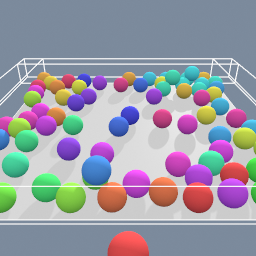
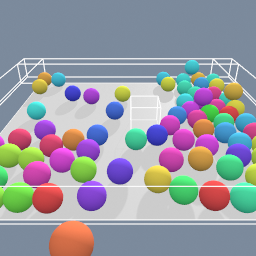
A rigid-body simulation with many objects where your cursor drive one of them, allowing you to interact with the others.
Soft Body Simulation
Animated
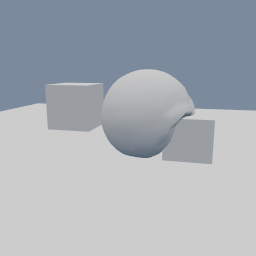
A sphere dropped as a soft body, so it squashes when it lands. What the solver simulates is a coarse tetrahedral cage, and the sphere you see is rebuilt from wherever that cage ends up.
geo/PhysicsSolver geo/PhysicsSoftBodyAttributes geo/Tetrahedralize geo/CageCapture geo/CageDeform
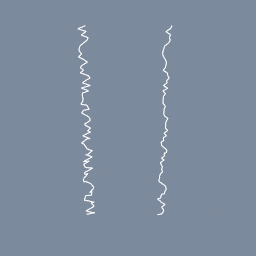
A jittered curve smoothed in a geo/PointBuilder, where code/Attribute reads each point's two neighbours by index, from the curve as it came in.
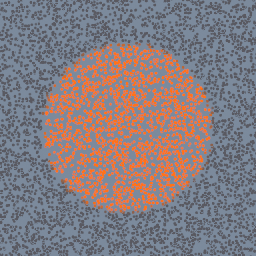
Points coloured inside a geo/PointBuilder by the density of a sphere's volume wired on its second input, read at each point by code/VolumeSample.
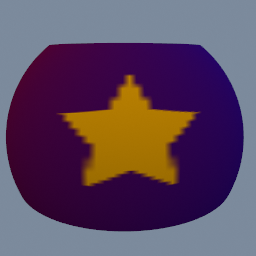
A geo/PointBuilder samples a picture made in TEX at each point's UV and writes it into the point colour: a star on a gradient, painted around a sphere.
geo/PointBuilder code/TextureSample2D code/Param code/Sampler
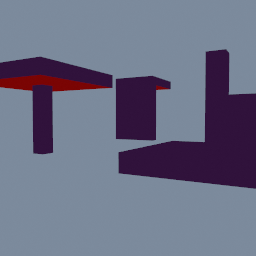
A mushroom and a shelf bracket, as modelled at the back and turned by geo/PrintOrient at the front, coloured by the overhang that needs support: the turned parts need none. A third bracket may only take the turns kept from geo/PrintDownDirection's arrows.
geo/PrintOrient geo/PrintDownDirection geo/PrintOverhangMeasure
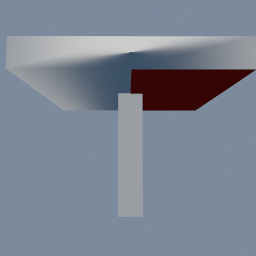
A mushroom whose cap may be supported on the left and never on the right, written to 3MF with the right half painted as support blockers and a 0.12 millimetre layer height. Slice it with supports on: support only fills the left half.
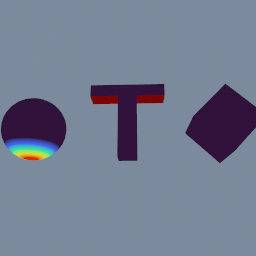
A ball, a T and a cube on its edge, measured for the faces a 3D printer cannot build without support, and shown four ways: how far each face leans, how bad each region is, which region each face is in, and the surfaces a support would hold up.
geo/PrintOverhangMeasure geo/AttributePromote geo/AttributeDisplay geo/Delete
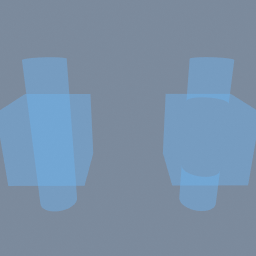
A box with a tube through it, welded into one mesh and never booleaned, which is how such a part arrives from a modeller or in an STL. Both objects are the same solid, before and after geo/M3DResolveOverlaps, wearing a translucent material so the buried surfaces show: the left one carries the tube's wall on through the inside of the box, the right one is a single surface. The volumes beside them say the same thing in numbers.
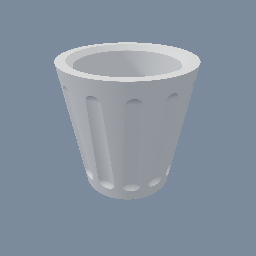
Create a basic vase for 3D printing with SDF
geo/Circle geo/CopyToPoints geo/SDFBoolean geo/SDFTriangulate geo/SDFTube
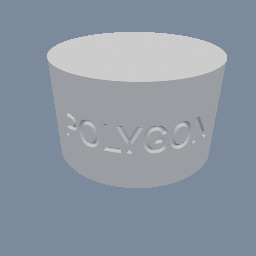
Flat text bent onto a cylinder at its own size and engraved into it, with the letters keeping their width all the way round. Switch the imprint profile to RAMP and the same graph makes a raised label.
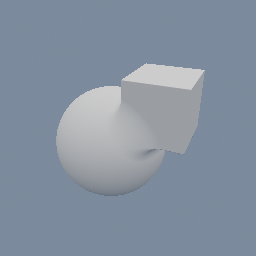
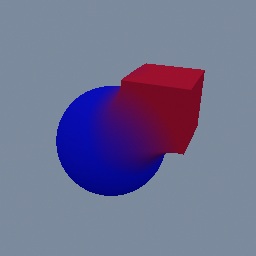
This shows how to apply different colors on an SDF object
geo/MaterialAttributes geo/SDFBoolean geo/SDFBox geo/SDFSphere
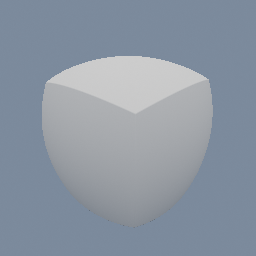
A box and a sphere wired into one geo/SDFBuilder, read by two code/SDFSample nodes and blended by a single factor.
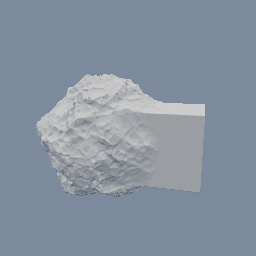
A sphere wired INTO a geo/SDFBuilder and roughened into a rock, by adding noise to the field code/SDFSample reads back.
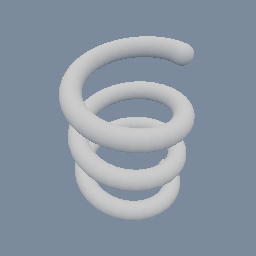
A line bent into a helix, read as a curve in space and given a thickness: one exact field, with nothing swept and nothing stitched.
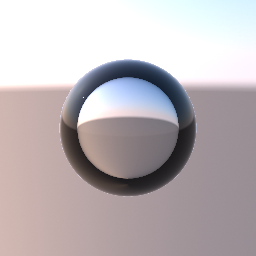
A clear sphere with an IOR of 0.75: air (1.0) relative to the water around it (1.33). An IOR below 1 bends the light the other way, so where a glass ball flips the sky, the bubble spreads it. Near the rim the view cannot get in at all. A real bubble reflects everything there, like a mirror. The preview keeps only the thin surface reflection, so the rim reads as a dark ring. The bubble floats on its own in front of the sky. A bubble inside a clear object is not supported yet: it needs nested media.
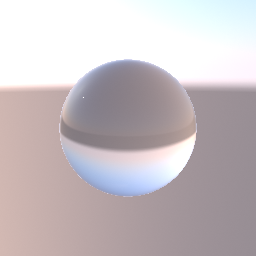
A clear glass sphere lit by one point light, in front of an analytic sky held by geo/Environment. The glass shows the sky bent through it, upside down like a ball lens. Bypass the environment node and the sphere turns black with only the light's highlight: glass shows the environment, not the camera's background colour or other objects behind it.
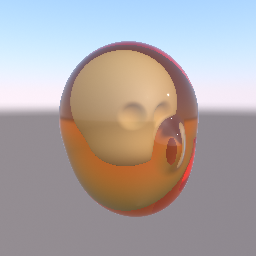
A head printed in clear amber resin, with an opaque skull inside it. The skin and the skull are two regions of one SDF object, joined by a hard union. geo/MaterialAttributes makes the skin transmissive, with an IOR and an amber attenuation colour, and gives the skull a bone colour. The view ray bends into the resin, turns deeper amber the further it travels, and stops on the skull. The light that reaches the skull is not dimmed by the resin around it, and the resin shows the environment, not other objects behind it.
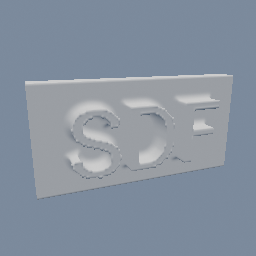
A word extruded into a solid and voxelized into an SDF field, with the bake cached to a .pvol so it only ever happens once. Edit the text to watch the cache go stale and re-bake itself.
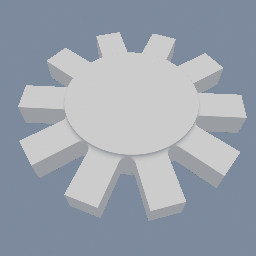
A single tooth turned into a ring of ten around a hub, as one field rather than ten objects. Drag the count and watch the gear fill in without the shader being rebuilt.
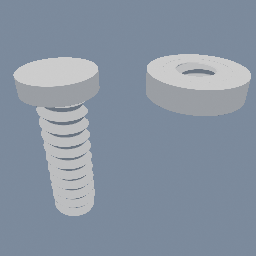
A threaded rod and the nut it turns in, built as fields instead of a more classic sweep geometry.
geo/PolyNode geo/SDFRevolve geo/SDFBoolean
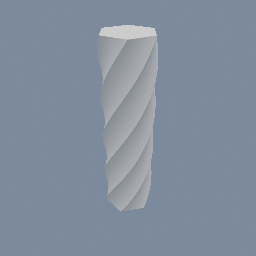
A six-sided prism spiralled into a fluted column by one node, with no repetition anywhere. Drag the rate and watch it wind up.
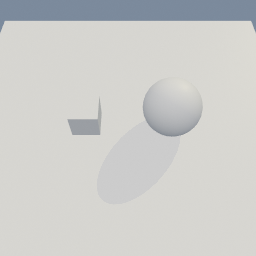
Two objects under one light, and only one of them casts a shadow. Turning that off per object is a pair of parameters: one enables the override, the other carries the value, and setting the value alone does nothing.
geo/ObjectProperties
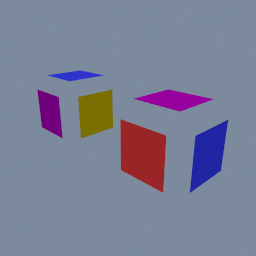
The sides of a box split into one object per value of a primitive attribute, each coloured by its object, then split further into pieces that touch.
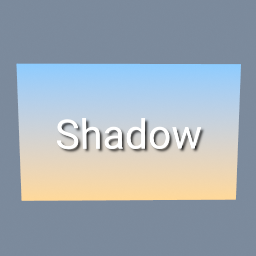
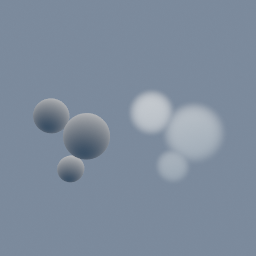
A tex/Builder set to _3D makes a 64 by 64 by 64 texture from code nodes: from code/Globals' UVW, the distance to three centres, softened at each sphere's edge, the largest of the three kept. Open the texture panel to see it slice by slice or raymarched. geo/VolumeFromTexture brings it into the viewer as a volume, rendered as fog on one side and meshed on the other.
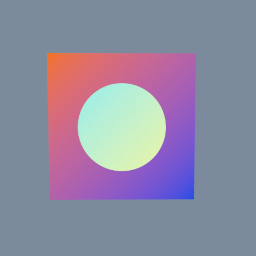
A gradient and an ellipse wired into a tex/Builder: inside the ellipse the gradient's colours are inverted, outside they are kept. code/Globals' InputColor reads the gradient pixel for pixel; code/TextureInput gives the ellipse as a texture, which code/TextureSample2D samples.
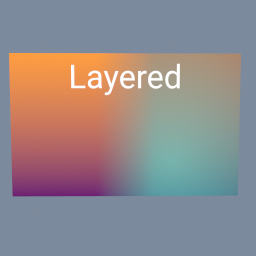
Two pictures side by side, blended across a soft seam by a gradient mask, the right one made see-through, and a title written on top. Each layer is a tex/Layer: its third input is the mask that says where the picture on top shows.
tex/Layer tex/Ramp tex/Text tex/Brightness tex/ImageExporter
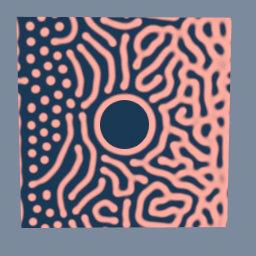
Coral, fed and blocked
Animated
The tex/ReactionDiffusion node grows coral from a few blobs. A map changes the feed and the kill from left to right, so the blobs stay rings and dots on the left and branch into dense coral on the right, and a mask blocks a round rock in the middle, which the coral grows around.
tex/PolyNode tex/Builder code/Noise
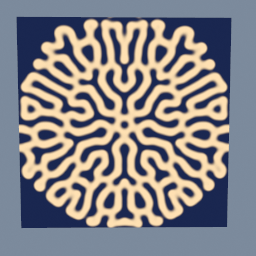
Reaction-diffusion
Animated
The tex/ReactionDiffusion node grows a pattern from a star seeded in a picture: two chemicals spread and react, and the star becomes a maze of stripes. Other values of F and k give coral, worms, spots and holes.
tex/PolyNode tex/Solver tex/Builder code/TextureLaplacian
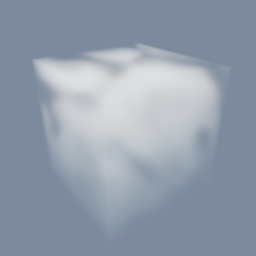
Reaction-diffusion in 3D
Animated
The tex/ReactionDiffusion node grows a pattern in a 64 by 64 by 64 texture: two chemicals spread through the volume and react, and three seeded spheres grow into a maze of folded sheets. The viewer draws them as fog with a mat/Volume, and beside it as a solid with a mat/VolumeSurface, both reading the texture where the GPU wrote it. Open the texture panel to see it slice by slice or raymarched.
tex/PolyNode tex/Solver tex/Builder code/TextureLaplacian mat/Volume mat/VolumeSurface
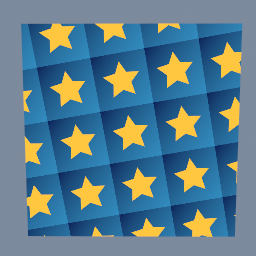
One tile, a gold star on a blue gradient, repeated four times each way and turned a little, on a plane. tex/Transform with borderMode REPEAT does the tiling.
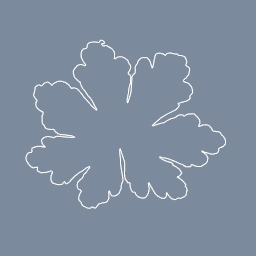
A leaf photo's alpha traced into a closed outline. Change the resolution for a closer or a simpler curve.
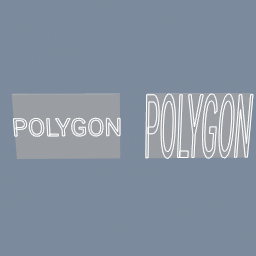
The same logo scaled onto the same plate twice: fitted whole on one branch, stretched to fill on the other, with no size typed anywhere.
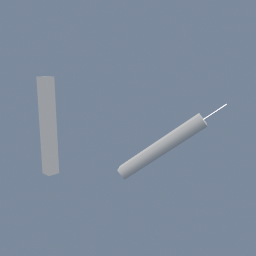
A part built along Y turned to lie along another object's axis, with a roll, by naming the two axes instead of typing an angle.
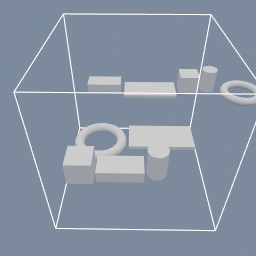
Five parts of different sizes laid out twice: as a row, and packed onto a 256 mm plate that is then measured against the build volume.
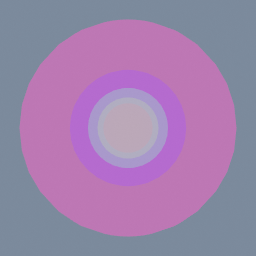
This example creates a series of objects in a line. If you observe them from either ends of the line, you will see the objects behind the first one are tinted by the ones before them. Their materials' alpha is what makes them see-through. The last one also goes through a geo/ObjectProperties, which sets a transparency mode on that object alone. It is left on AUTO, so the material still decides and the sphere renders like the others. Set it to OPAQUE and that one sphere draws solid, with no change to its material.
geo/ObjectProperties mat/MeshBasic
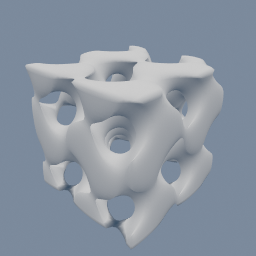
A geo/VolumeBuilder writes a gyroid clipped to a box into a WEIGHT attribute, and geo/VolumeTriangulate meshes it with the inside stated.
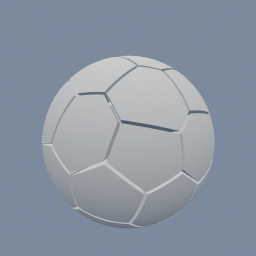
A sphere cut into Voronoi cells around evenly spread points, with a small gap so every piece stands apart.
geo/VoronoiCells geo/PointRelax geo/Scatter
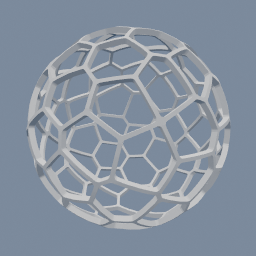
A thin spherical shell with a Voronoi pattern of holes cut through it, the wire look of a lamp shade.
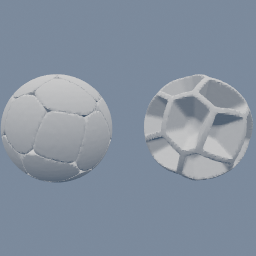
A sphere broken into the Voronoi cells of evenly spread points. On the left, every cell is a pebble with rounded cut edges. On the right, only the walls between the cells are kept, a foam skeleton of the sphere. Change `roundingRadius` to go from sharp shards to round pebbles.
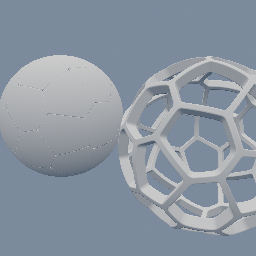
A hollow SDF shell broken into the Voronoi cells of points spread over it, drawn by raymarching with no meshing. On the left, every cell is a rounded piece. On the right, only the walls between the cells are kept. Change `roundingRadius` or `wallThickness` and the picture follows without remeshing.