Documentation
/
Node reference
/
code nodes
code/Plane
An infinite plane, as a normal and a constant.
Geometry
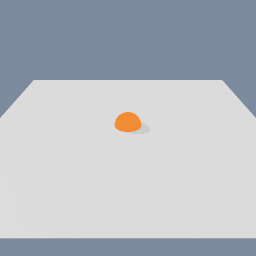
The surface a ray is stopped by, most often the ground. A plane here is not a piece of geometry and has no extent: it is the whole infinite surface, described the way the maths wants it. Every point p on the plane satisfies dot(normal, p) + constant == 0, which means the constant is the NEGATIVE of the distance from the origin along the normal. The defaults give the ground through the origin, and a constant of -2 raises that ground to y = 2. Plane is its own connector type, so it cannot be crossed with a ray or a Vector3 by mistake.
Parameters
| Name |
Type |
What it does |
| normal |
Vector3
|
Which way the plane faces. Should be unit length.
|
| constant |
Float
|
How far the plane sits from the origin along the normal, NEGATED. For the default ground normal, -2 puts the plane at y = 2.
|
Examples
Scenes you can open in the editor that teach this node.
This page is generated from the engine, so it describes the release you can download. The same text
is in the editor's Help panel next to the node itself.