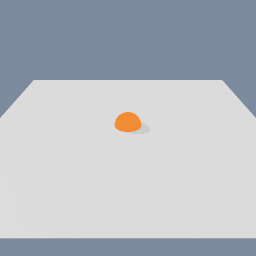
The point where a ray meets a plane.
This is the node that turns a cursor into a position. A code/CursorRay says which line through the scene the pointer picks out, a code/Plane says where to stop, and this gives the one point that is both. Wire the result into a code/SetObjectPosition inside a geo/Actor and the object follows the cursor across that plane; wire it into a compute/Builder and a whole simulation can follow it instead.
Not every ray meets its plane. One running parallel to the plane never touches it, and one pointing away from it only would meet it behind its own start, which does not count as a hit. In both cases the fallback value is returned instead, so a miss is a value you chose rather than a silent zero.
Scenes you can open in the editor that teach this node.
This page is generated from the engine, so it describes the release you can download. The same text
is in the editor's Help panel next to the node itself.